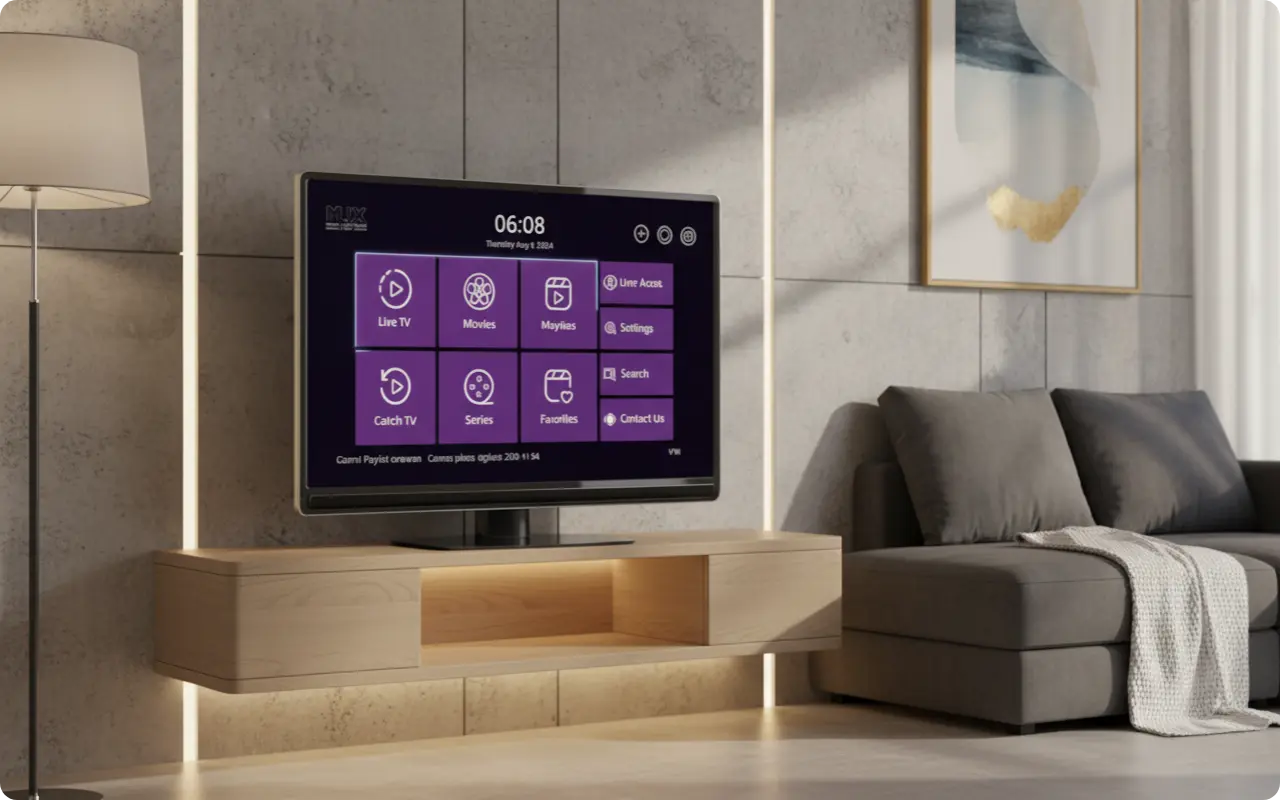
Flix Pro Player is available across multiple platforms including Android, iOS, Firestick, Smart TVs, Roku, and Windows. This guide provides the complete and official list of all supported devices, download links, and the required software versions for each. Knowing the correct platforms and download sources is crucial for a safe and functional streaming experience.
Android & iOS: Mobile Excellence
Flix Pro Player offers excellent support for both Android and iOS devices, providing a seamless mobile streaming experience across all smartphones and tablets.
🤖 Android
Requires Android 5.0 or later
- •Google Play Store: Download from Play Store
- •APKPure: Alternative download
- •Optimized for Android TV
🍎 iOS
Requires iOS 12.0 or later
- •App Store: Download from App Store
- •iPhone and iPad support
- •Optimized for touch interface
Amazon Fire TV & Firestick: Streaming Excellence
Flix Pro Player is fully compatible with Amazon Fire TV and Firestick devices. You can download the APK and install it directly on your Firestick for the best streaming experience.
- •Download APK: APKPure Download
- •Download Code: 5837579
- •Enable "Apps from Unknown Sources" in Fire TV settings
- •All Fire TV models supported
Smart TVs: Samsung & LG
📺 Samsung Smart TV
Available on Samsung Smart TVs with Tizen OS
- •Samsung App Store: Download from Samsung Store
- •All Samsung Smart TV models
- •Optimized for Tizen OS
📺 LG Smart TV
Available on LG Smart TVs with webOS
- •LG Content Store: Download from LG Store
- •All LG Smart TV models
- •Optimized for webOS
Roku: Your Living Room Hub
Flix Pro Player is officially available for download directly from the Roku Channel Store. This makes it compatible with a wide range of Roku streaming players and Roku TVs.
- •Roku Channel Store: Download from Roku Store
- •Roku Streaming Players (all models)
- •Roku TVs (all brands)
- •Roku Ultra, Roku Express, Roku Streaming Stick
Windows PCs
Flix Pro Player can be downloaded from the Microsoft Store. This provides Windows users with a native, optimized experience for their desktop and laptop computers.
- •Microsoft Store: Download from Microsoft Store
- •Windows 10 or later
- •Full desktop experience
- •Window and full-screen modes
EXE File: Direct Installation
Flix Pro Player is also available as a direct EXE file for Windows users. This provides an alternative installation method for users who prefer direct downloads.
- •Direct Download: Download EXE File
- •No Microsoft Store required
- •Standalone installation
- •Windows 10 or later
Frequently Asked Questions
Q: Can I install Flix Pro Player on my Amazon Firestick?
A: No, the official Flix Pro Player is not available for Firestick. You should be extremely cautious of any app claiming to be it, as it is likely an unsafe, third-party copy.
Q: Does Flix Pro Player work on my Samsung or LG Smart TV?
A: Not directly through their native app stores (Tizen/WebOS). However, if you have an Apple TV or Roku device connected to your TV, you can use the app through that device.
Q: What are the main devices supported by Flix Pro Player?
A: The main supported devices are iPhones, iPads, Apple TV, Macs (with M1 chip or newer), Roku players, and Windows PCs.
Q: Is there an official version of Flix Pro Player on the Google Play Store?
A: No. The Google Play Store does not have the official Flix Pro Player by Logic Titans LLC.
Q: What are the system requirements for Flix Pro Player?
A: iPhone/iPad: iOS 14.0+, Apple TV: tvOS 14.0+, Mac: macOS 11.0+ with M1 chip, Roku: Latest firmware, Windows: Windows 10 version 17763.0+
Conclusion: Universal Compatibility Across All Major Platforms
Flix Pro Player offers comprehensive support across all major platforms including Android, iOS, Firestick, Smart TVs, Roku, and Windows. The app provides a seamless, optimized experience across all officially supported devices.
With official downloads available from Google Play Store, Apple App Store, Microsoft Store, Samsung App Store, LG Content Store, and Roku Channel Store, you can easily find and install Flix Pro Player on your preferred device.
By using the official download links and app stores, you ensure a safe, secure, and fully functional IPTV viewing experience with Flix Pro Player across all your devices.
Ready to Download Flix Pro Player?
Now that you know which devices support Flix Pro Player, you're ready to download the app and start your IPTV journey. Get the official app from the correct app store for your device.