Installing the official Flix Pro Player on your iPhone is a simple and secure process because the app is available directly from the Apple App Store. This guide will provide easy-to-follow, step-by-step instructions to get the app downloaded, installed, and set up with your IPTV playlist in minutes.
Before You Begin: What You'll Need
Here's a quick checklist so you can be prepared for the installation and setup process:
📱 Device Requirements
- •An iPhone running iOS 14.0 or later
- •Your Apple ID to download from the App Store
- •Stable internet connection for downloading and streaming
📺 IPTV Subscription Details
- •Your IPTV subscription details from your provider
- •Either an M3U playlist URL or Xtream Codes credentials
- •Contact your IPTV provider if you need help finding these details
How to Install and Set Up Flix Pro Player on Your iPhone
Follow this clear, numbered guide to get Flix Pro Player installed and configured on your iPhone:
Step 1: Open the App Store
- 1.On your iPhone's home screen, tap the App Store icon
- 2.Wait for the App Store to load completely
- 3.Ensure you're signed in with your Apple ID
Step 2: Search for the App
- 1.Tap the "Search" icon in the bottom-right corner of the App Store
- 2.In the search bar at the top, type "Flix Pro Player" and press search
- 3.Look for the official app by developer Jason Littleton
- 4.You can also use the direct link: Apple App Store Link
Step 3: Download the App
- 1.Locate the official Flix Pro Player app by developer Jason Littleton in the search results
- 2.Tap the "Get" button or the cloud icon to download and install it
- 3.You may need to verify with your Apple ID password, Face ID, or Touch ID
- 4.Wait for the download and installation to complete
Step 4: Launch Flix Pro Player
- 1.Once the installation is complete, find the Flix Pro Player icon on your home screen
- 2.Tap the Flix Pro Player icon to open the app
- 3.Allow any necessary permissions when prompted
Step 5: Add Your IPTV Playlist
- 1.Upon launching, the app will guide you to add your content
- 2.You have two options for adding your playlist:
- 3.Option A: Enter your M3U URL or Xtream Codes credentials directly into the fields provided within the app
- 4.Option B: Visit their website https://flixproplayer.com/ to upload your playlist
- 5.Follow the on-screen instructions to complete the setup
Step 6: Activate Your App
- 1.Flix Pro Player offers a free trial to test its features
- 2.For long-term use, you will need to complete the one-time in-app purchase of $14.99 for lifetime activation
- 3.This is a one-time payment, not a recurring subscription
- 4.Follow the app's prompts to complete the activation process
Enjoying Your Content
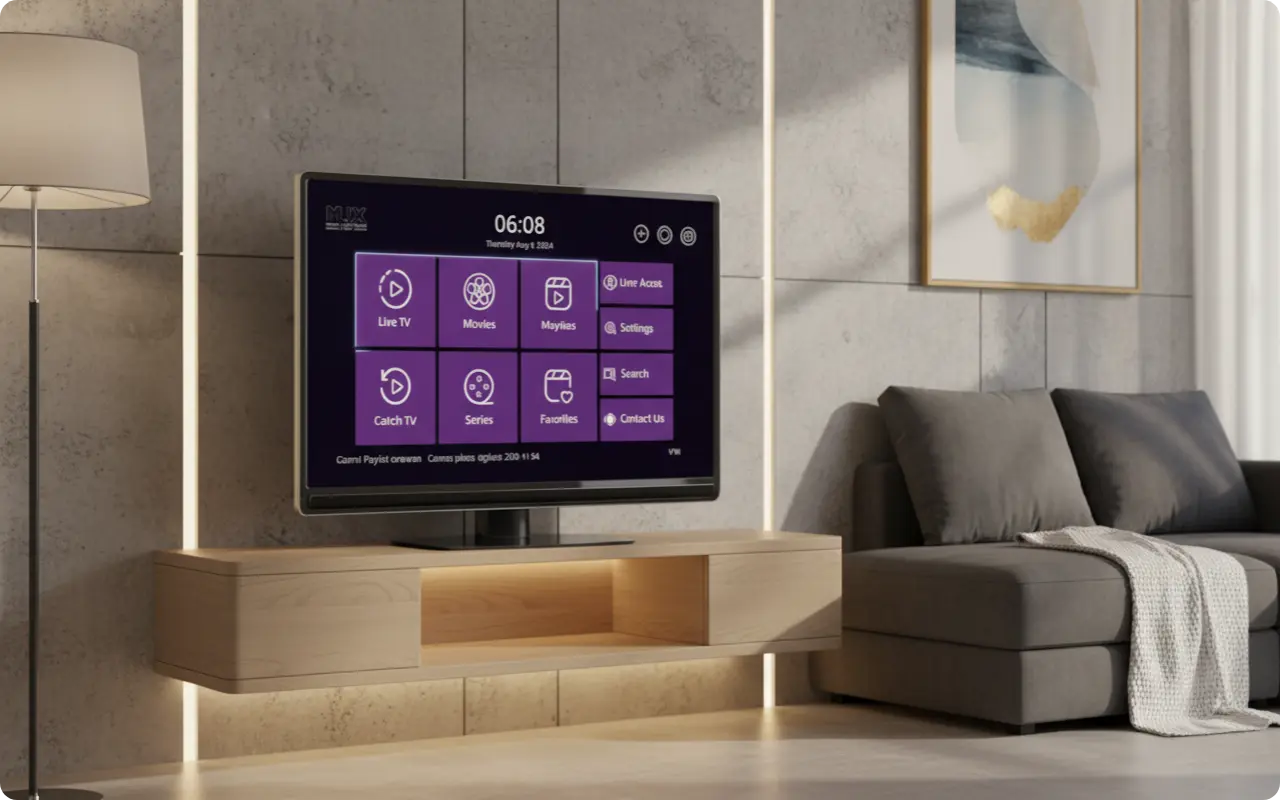
Once your playlist is loaded, the app will organize your content into Live TV, Movies, and Series. You can now browse your channels, add favorites, and enjoy streaming on your iPhone.
- •Browse live TV channels organized by categories
- •Access movies and series with release dates, content info, actors, and ratings
- •Add channels and movies/series to favorites
- •Select subtitles and audio tracks in movies and series
- •Use parental controls for family-friendly viewing
Conclusion: Your Go-To IPTV Player for iPhone
Because Flix Pro Player is an official App Store application, it's the safest and most reliable way to get a high-quality IPTV experience on an iPhone. The simple setup makes it a top choice for iOS users.
The app offers advanced features including support for all video formats, easy playlist streaming, clean UI, fast streaming, subtitle and audio track selection, and real-time support through WhatsApp, Telegram, and Email.
Remember that Flix Pro Player is a media player that requires an IPTV subscription to provide content. The app itself is free to download, but you'll need your own IPTV service provider to supply the channels and content you want to watch.
Ready to Start Streaming on Your iPhone?
Now that you know how to install Flix Pro Player on your iPhone, take the next step to unlock a world of entertainment. Download the app, explore our premium IPTV service plans, or start a free trial today!