The world of "Flix" branded IPTV apps is confusing and potentially dangerous. This article is the ultimate guide to the official Flix Pro Player developed by Jason Littleton and published by Logic Titans LLC. We'll differentiate it from other apps, especially the dangerous unofficial versions, and provide an in-depth review of its features, pricing, platform availability, competitive analysis, and crucial safety information to help you make an informed decision.
A Critical Warning: Not All "Flix" Apps Are the Same
The Official App: Flix Pro Player by Logic Titans LLC
The legitimate app is Flix Pro Player, developed by Jason Littleton and published by Logic Titans LLC. It's officially distributed through:
- •Apple App Store - iPhone, iPad, Apple TV, Mac
- •Roku Channel Store - All Roku devices
- •Microsoft Store - Windows PCs
Common Lookalikes: Differentiating from Flix IPTV and Flix Player Pro
Flix IPTV (by Evolution World Fzco) and Flix Player Pro (on Google Play Store) are separate, legitimate competitors but are not the subject of this review. These are different apps with different developers and features.
🚨 SECURITY ALERT: The Dangers of the Unofficial "Flix Vision" APK
WARNING: The unofficial Android APK often called "Flix Vision" is extremely dangerous and should be avoided at all costs.
- ⚠️Contains malware, spyware, and data-stealing code
- ⚠️Hijacks user bandwidth to act as a residential proxy exit node through services like TraffMonetizer
- ⚠️Steals personal data and can compromise your entire network
The lack of an official Android version of Flix Pro Player creates a vacuum that malicious actors exploit. Never download any "Flix" app from unofficial sources.
What Exactly Is Flix Pro Player?
Flix Pro Player is an IPTV player application, not a content service. Users must provide their own playlist from a third-party IPTV provider, using either an M3U URL or Xtream Codes API credentials. The app itself contains no channels or content - it's purely a media player designed to organize and stream your existing IPTV subscription.
A Deep Dive into Flix Pro Player's Features
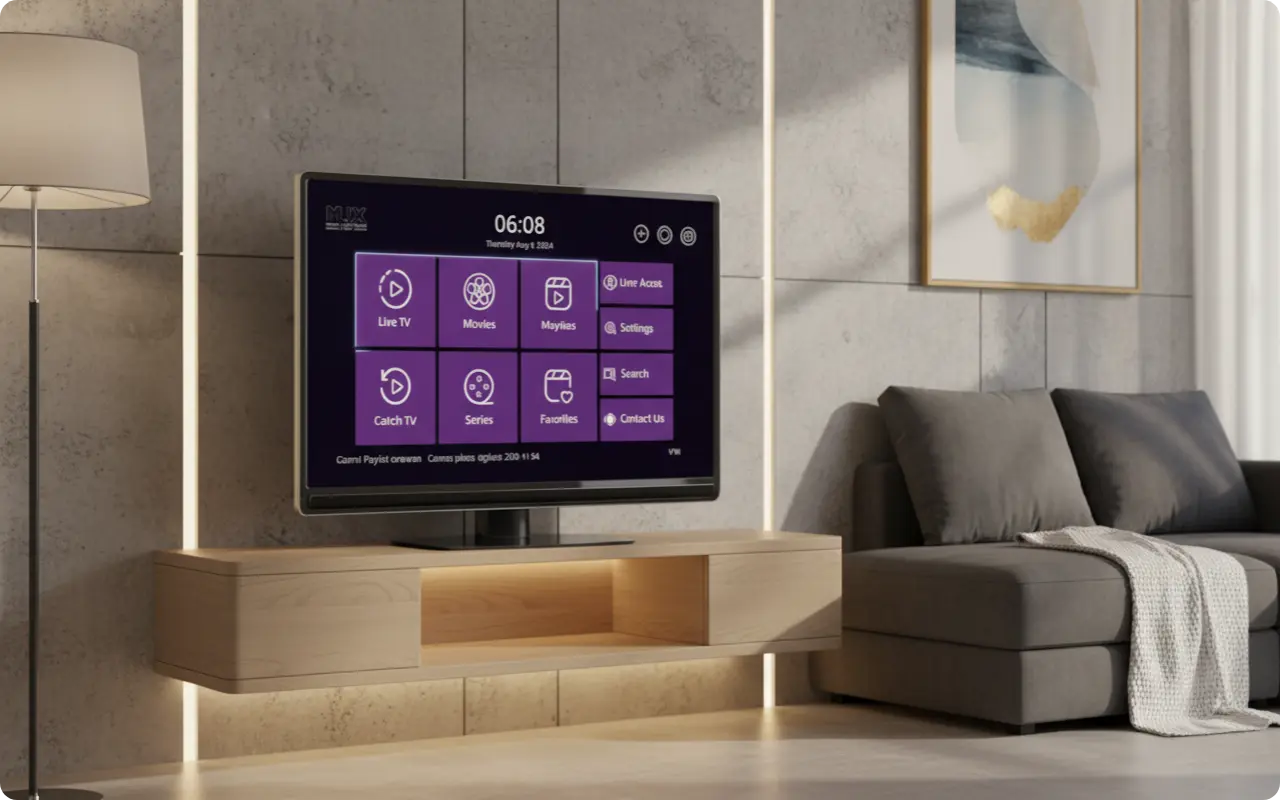
User Interface & Experience
The UI is described as "simple, clean, and intuitive" based on positive user reviews. Key customization features include:
- •Customizable themes: green, blue, red, dark
- •Clean, cable-like interface design
- •Intuitive navigation and controls
Playback & Content Management
- •Support for all video formats and screen resolutions
- •Resume watching functionality
- •Add content to favorites list
- •Parental controls for family viewing
Enhanced Viewing Features
- •Support for multiple audio tracks and subtitles
- •Display of detailed metadata for movies and series (ratings, actors, plot)
- •High-quality streaming with minimal buffering
Pricing and Platform Availability: Where to Get It and What It Costs
Pricing Model
- ✓Free to download with 7-day free trial
- ✓One-time $14.99 lifetime activation fee
- ✓No monthly subscriptions or recurring fees
Supported Devices
🍎 Apple Ecosystem
- • iPhone (iOS 14.0+)
- • iPad (iPadOS 14.0+)
- • Apple TV (tvOS 14.0+)
- • Mac (M1 chip+)
- • Apple Vision Pro
📺 Other Platforms
- • Roku (All devices)
- • Windows 10+
⚠️ Important: There is no official version of Flix Pro Player on the Google Play Store for Android or Firestick. Any app claiming to be Flix Pro Player on these platforms is likely malicious.
Is Flix Pro Player Safe and Legal to Use?
Safety
The official app downloaded from Apple, Roku, or Microsoft stores is completely safe. The developer's privacy policy states that no user data is collected. This contrasts sharply with the dangers of downloading unofficial APKs, which can contain malware, spyware, and data-stealing code.
Legality
The app itself is 100% legal, as it's just a media player. The legal responsibility lies with the user to ensure their IPTV subscription is from a legitimate source that has the rights to distribute the content. Flix Pro Player is simply a tool for organizing and playing your existing IPTV content.
Flix Pro Player vs. The Competition: TiviMate and IPTV Smarters Pro
The Android King: TiviMate
TiviMate is the gold standard for Android/Firestick users, praised for its deep customization and cable-like EPG. However, its primary weakness is its absence from the Apple/Roku ecosystems, making it unsuitable for users primarily invested in those platforms.
The Multi-Platform Workhorse: IPTV Smarters Pro
IPTV Smarters Pro is the most versatile player, available on nearly every device, making it a reliable default choice. However, it can be overwhelming for users who prefer a simpler, more streamlined experience.
Where Flix Pro Player Wins
Flix Pro Player is the ideal solution for users primarily invested in the Apple and Roku ecosystems. Its simple UI and native performance on these devices make it the perfect choice for users who want a straightforward, reliable IPTV experience without the overwhelming customization of other players.
Competitive Feature Matrix
| Feature | Flix Pro Player | TiviMate | IPTV Smarters Pro |
|---|---|---|---|
| Primary Platforms | Apple, Roku, Windows | Android, Firestick | All Platforms |
| Pricing Model | $14.99 Lifetime | $4.99/year | Free |
| UI Style | Simple & Clean | Highly Customizable | Functional |
| Key Differentiator | Apple/Roku Native | Android Excellence | Universal Compatibility |
How to Install and Set Up Flix Pro Player
- 1Download from an Official Store: Download the app only from the Apple App Store, Roku Channel Store, or Microsoft Store to ensure you get the legitimate version.
- 2Get Your IPTV Credentials: Obtain an M3U playlist URL or Xtream Codes login credentials from your IPTV service provider.
- 3Add Your Playlist: Add your playlist credentials either directly in the app or via the official upload portal mentioned in the app's description.
- 4Activate the App: Complete the one-time in-app purchase of $14.99 to activate the player after the 7-day trial period.
The Final Verdict: Who Should Use Flix Pro Player?
Flix Pro Player is an excellent, safe, and user-friendly choice for individuals who primarily use Apple TV, iPhone, or Roku devices and want a straightforward, reliable IPTV experience without the overwhelming customization of other players.
Key Benefits:
- •Native performance on Apple and Roku devices
- •Simple, intuitive interface
- •One-time payment with lifetime access
- •Strong privacy policy with no data collection
⚠️ Final Warning: Always download Flix Pro Player from official app stores only. Avoid any unofficial APKs or third-party sources, especially those claiming to be "Flix Vision" or similar names, as they contain malware and can compromise your device and data.
Frequently Asked Questions
Q: What is Flix Pro Player?
A: It is a media player application for streaming IPTV content. You must provide your own playlist from an IPTV provider; the app itself contains no channels.
Q: Is Flix Pro Player free?
A: The app is free to download and try, but requires a one-time in-app purchase of $14.99 for lifetime activation.
Q: Is Flix Pro Player safe?
A: Yes, the official app from the Apple, Roku, and Microsoft stores is safe and does not collect user data. However, unofficial Android APKs with similar names like "Flix Vision" are dangerous and have been reported to contain malware.
Q: What devices does Flix Pro Player work on?
A: It works on iPhone, iPad, Apple TV, Apple Vision Pro, Mac (with M1 chip or later), Roku devices, and Windows PCs.
Q: Does Flix Pro Player work on Android or Firestick?
A: No, there is no official version of Flix Pro Player for Android or Amazon Firestick. Be cautious of any app claiming to be it on those platforms.
Q: Do I need a VPN for Flix Pro Player?
A: While the app itself doesn't require a VPN, using one is highly recommended with any IPTV service to protect your privacy from your internet service provider and bypass potential geo-restrictions.
Ready to Get Started with Flix Pro Player?
Now that you understand the safety, features, and setup process for Flix Pro Player, you're ready to make an informed decision. Remember to always download from official app stores and avoid any unofficial versions.