The Universal Player: Understanding Flix IPTV's Role
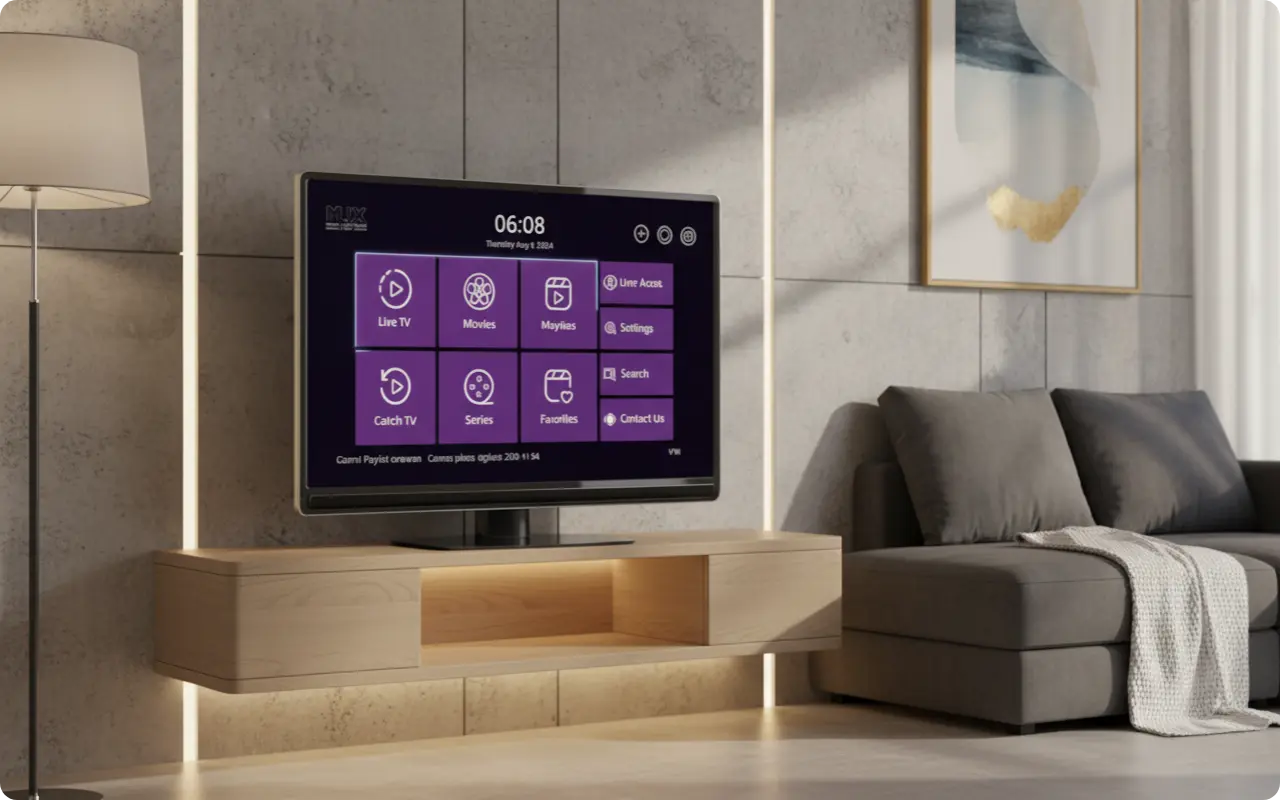
Flix IPTV is a powerful player application designed to organize and stream content from your IPTV provider. Unlike traditional streaming services, Flix IPTV doesn't provide content itself - instead, it acts as a sophisticated interface that connects to your existing IPTV subscription. This unique approach is why Flix IPTV is available on so many different platforms, making it one of the most versatile IPTV players available today.
Core Supported Platforms: Where Flix IPTV Shines
Flix IPTV has been specifically designed to work seamlessly across multiple operating systems and device types:
- •Android Devices: Phones, tablets, and Android TV boxes running Android 5.0 or higher
- •Amazon Fire TV: Firestick, Fire TV Cube, and other Fire TV devices
- •Smart TVs: Samsung Tizen OS and LG WebOS platforms
How to Install Flix IPTV on Your Favorite Devices (Step-by-Step)
1. Amazon Firestick & Fire TV
Since Flix IPTV isn't available in the Amazon App Store, you'll need to sideload it using the "Downloader" app:
- 1Go to Settings → My Fire TV → Developer Options → Apps from Unknown Sources → Turn ON
- 2Search for and install "Downloader" from the Amazon App Store
- 3Open Downloader and enter: https://apkpure.com/flix-pro-player-iptv/flix.pro.tv/download
- 4Download and install the APK file
- 5Launch Flix IPTV and follow the activation process
2. Android TV, TV Boxes, Phones & Tablets
For Android devices, you can download Flix IPTV from Google Play Store or use the direct APK link:
- 1Open the Google Play Store on your Android device
- 2Search for "Flix Pro Player IPTV" or visit: Google Play Store
- 3Alternative: Download APK directly from: APKPure
- 4Install and open the app to complete the activation process
3. Samsung Smart TV (Tizen OS)
Installing Flix IPTV on Samsung Smart TVs is straightforward:
- 1Press the Smart Hub button on your Samsung remote
- 2Navigate to the Samsung App Store or visit: Samsung App Store
- 3Search for "Flix Pro Player IPTV"
- 4Click "Install" and wait for the installation to complete
4. LG Smart TV (WebOS)
LG Smart TV users can install Flix IPTV from the LG Content Store:
- 1Press the Home button on your LG remote
- 2Go to the LG Content Store or visit: LG Content Store
- 3Search for "Flix Pro Player IPTV"
- 4Click "Install" and wait for the download to complete
Does Flix IPTV Work on Other Devices?
Apple iOS (iPhone/iPad) and Apple TV
Yes! Flix IPTV is available on the Apple App Store as "Flix Pro Player." iPhone, iPad, and Apple TV users can download it directly from the App Store and enjoy the same features as other platforms.
Windows and macOS
For Windows users, Flix IPTV is available through the Microsoft Store. Visit the Microsoft Store to download and install. For macOS users, you can use Android emulators like BlueStacks or cast content from a supported device to your computer screen.
Roku Devices
Flix IPTV is available in the Roku Channel Store as "Flix Pro Player IPTV." Roku users can easily find and install it from the Roku Channel Store.
Optimizing Your Viewing Experience
Flix IPTV offers several features to enhance your viewing experience:
- •External Player Support: Compatible with VLC, MX Player, and other popular media players
- •Parental Controls: Create a safe viewing environment for the whole family
- •Customizable Themes: Personalize the interface to match your preferences
- •Favorites Manager: Create and manage your own personal lists of favorite channels
Frequently Asked Questions (FAQ)
Is Flix IPTV free to use?
Flix IPTV offers a 7-day free trial, after which a one-time activation fee is required to continue using the app. This fee is for the app itself and is separate from any subscription you may have with an IPTV provider.
Does Flix IPTV provide content or channels?
No, Flix IPTV is a player application that organizes and plays content from your own IPTV provider. It does not provide any content or channels itself - you need to have an active IPTV subscription from a provider.
Can I use one Flix IPTV activation on multiple devices?
No, each Flix IPTV activation is typically tied to a single device's MAC address. If you want to use Flix IPTV on multiple devices, you'll need separate activations for each device.
Ready to Get Started with Flix IPTV?
Now that you know which devices support Flix IPTV, it's time to get started! Our team is here to help you with the activation process and answer any questions you might have.