Many of the most-discussed IPTV players, like TiviMate, are built for Android, leaving Apple TV and Roku users searching for great alternatives. This guide solves that problem by reviewing the best, most reliable, and user-friendly IPTV players available specifically for the Apple and Roku ecosystems. We'll provide a detailed breakdown of the top options, including features, pricing, and what makes each one stand out, to help you find the perfect app for your streaming setup.
Why Your Streaming Device Matters for IPTV
The Apple tvOS and Roku OS are distinct platforms from Android, requiring apps built specifically for them. Using a native, well-supported app results in a smoother, more stable, and better-integrated viewing experience compared to trying to use workarounds or Android emulators.
Native apps are optimized for your device's hardware, provide better performance, and integrate seamlessly with your device's ecosystem, offering features like Siri voice control on Apple TV or Roku's universal search functionality.
Our Top Recommended Player for Apple TV & Roku: Flix Pro Player
Flix Pro Player is positioned as a leading choice for these platforms, designed specifically for Apple and Roku ecosystems with a focus on simplicity and reliability.
A Clean, Native Experience
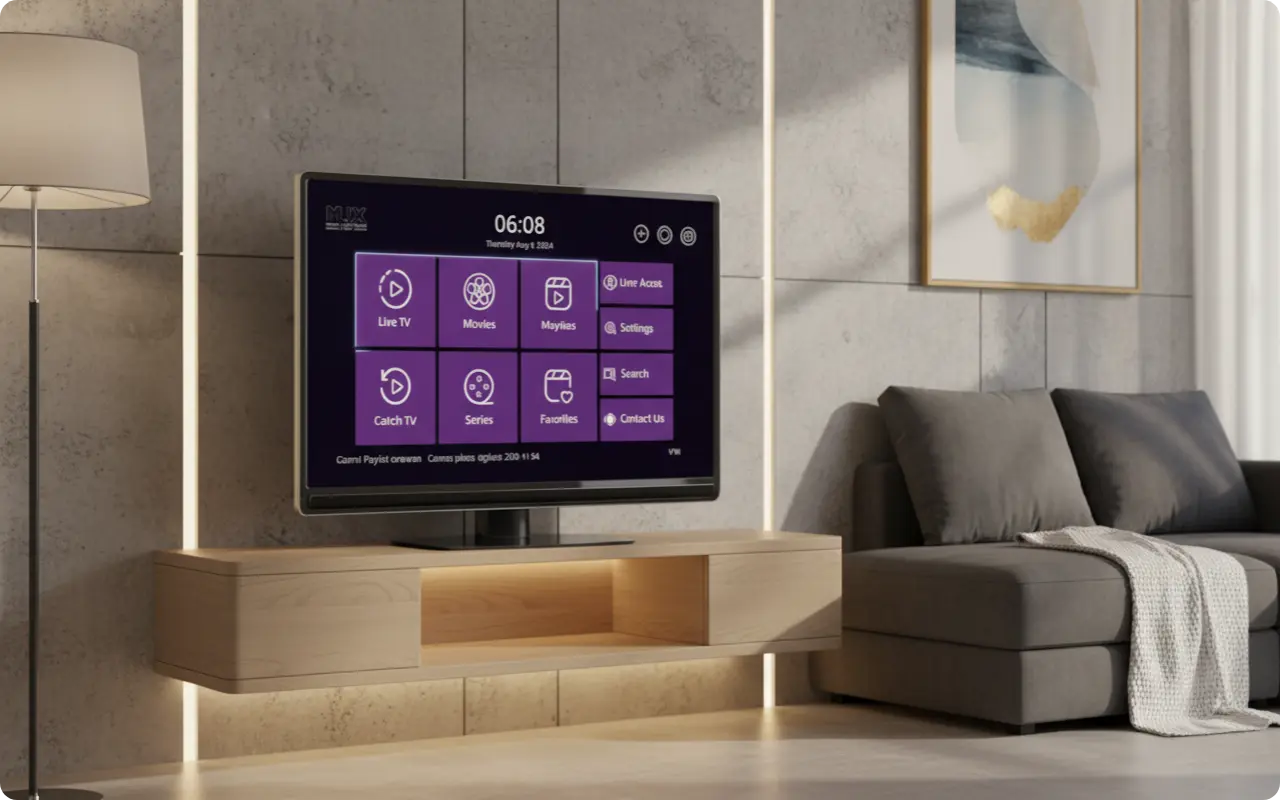
Flix Pro Player is designed as an "advanced Xtream player" with a strong focus on the Apple and Roku ecosystems. User reviews consistently praise its "simple and clean UI", which is intuitive and easy to navigate, even for beginners who are new to IPTV.
Key Features & Pricing
🎯 Key Features
- •Support for all video formats
- •Favorites management
- •Resume watching functionality
- •Parental controls
- •Subtitle/audio track selection
💰 Pricing
- ✓Free download with 7-day trial
- ✓One-time $14.99 activation fee
- ✓Lifetime access - no recurring fees
Other Excellent IPTV Players for Apple TV
While Flix Pro Player is our top recommendation, Apple TV users have several other excellent options to choose from, each with their own strengths and unique features.
For the Modern UI Enthusiast: UHF Player
UHF Player is frequently praised on user forums like Reddit as one of the best-looking and most modern IPTV apps, with a premium feel and consistent updates. It's perfect for users who prioritize aesthetics and a polished interface.
- •Modern, premium UI design
- •Regular updates and improvements
- •Strong community support
For the TiviMate Fans: TiviMax
TiviMax is a popular option often described as a port or close alternative to TiviMate, offering a familiar experience for those coming from Android. It's ideal for users who loved TiviMate's interface and functionality.
- •TiviMate-like interface and features
- •Familiar for Android users
- •Advanced customization options
The Cross-Platform Choice: IPTV Smarters Pro
IPTV Smarters Pro is also available on Apple TV, making it a reliable choice for users who want the same app across multiple different devices (iOS, Android, etc.). It's perfect for households with mixed device ecosystems.
- •Available on all major platforms
- •Consistent experience across devices
- •Free to use with premium features
The Best IPTV Player Options for Roku Devices
Top of the List: Flix Pro Player
Flix Pro Player is also a premier choice on the Roku platform, available directly from the Roku Channel Store. It provides the same clean, intuitive experience that makes it popular on Apple TV, but optimized for Roku's interface and navigation.
- •Native Roku optimization
- •Roku Channel Store availability
- •Same features as Apple TV version
Other Reliable Roku Players
IPTV Smarters Player and other generic players like IPTV Player are also available on Roku, providing functional, though sometimes less polished, alternatives. These options offer basic IPTV functionality for users who prefer simpler solutions.
- •Basic IPTV functionality
- •Free or low-cost options
- •Simple setup and use
How to Set Up IPTV on Apple TV and Roku in 3 Easy Steps
Setting up IPTV on your Apple TV or Roku device is straightforward when you follow these simple steps:
Choose and Install Your Player
Go to the Apple App Store or Roku Channel Store, search for one of the recommended players (like Flix Pro Player), and install it.
Add Your Playlist
Open the app and look for the option to add a playlist. You will need the M3U URL or Xtream Codes credentials provided by your IPTV service.
Start Streaming
Once your playlist is loaded, the channels, movies, and series will populate, and you can begin watching your favorite content.
Frequently Asked Questions
Q: What is the best IPTV player for Apple TV?
A: For users who want a simple, native experience, Flix Pro Player is a top choice. Other highly-rated options include UHF Player for its modern interface and TiviMax for a TiviMate-like feel.
Q: Can I use TiviMate on Apple TV or Roku?
A: No, TiviMate is an Android-exclusive application and is not officially available on the Apple App Store or the Roku Channel Store.
Q: Are IPTV players legal to use?
A: Yes, the player applications themselves are legal tools available in official app stores. However, the user is responsible for ensuring that the content they stream through the player is from a legally licensed IPTV provider.
Q: Do I need a VPN for IPTV on Roku or Apple TV?
A: While not strictly required by the apps, using a VPN is highly recommended. It protects your privacy from your ISP and can help bypass streaming restrictions.
The Verdict: The Best Player for Your Setup
Apple TV and Roku users have fantastic, high-quality options for IPTV players. For those seeking a dedicated, easy-to-use, and reliable player designed specifically for their device, Flix Pro Player is an outstanding choice.
For those who want more customization or a specific UI style, alternatives like UHF Player (modern interface) and TiviMax (TiviMate-like experience) are also strong contenders.
The key is choosing a player that matches your preferences for simplicity, customization, and cross-platform compatibility. All the options we've reviewed are excellent choices that will provide a great IPTV experience on your Apple TV or Roku device.
Ready to Get Started with IPTV?
Now that you know the best IPTV players for Apple TV and Roku, you're ready to choose the perfect app for your streaming setup. Remember to always download from official app stores for the safest experience.